
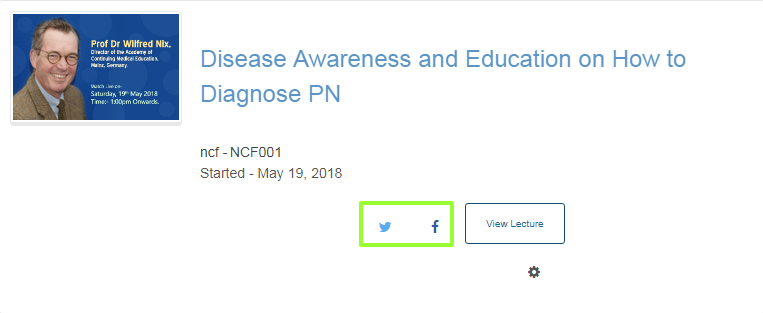
On your dashboard, you can share the lectures you are enrolled in on social media sites such as Facebook and Twitter.
To share your lecture on social media
- In the list of lectures on your dashboard, find the listing for the lecture that you want to share.
- On the lecture listing, select the icon for the social media site where you want to share your lecture. If you are not already signed in to that social media site, you will be prompted to sign in.
- A dialog box for the social media site opens, with the lecture URL entered and a default social media message. If desired, modify the text of the social media message to personalize your post or tweet.
- Select the appropriate Post or Tweet button to publish your message on the social media site.
Comments
0 comments
Please sign in to leave a comment.