
If you received a coupon code for a course, you may enter this on the payment page after selecting to enroll in the course.
After selecting to enroll and before checking out, you will see the 'Apply a coupon code' link below the course image on the payment page.
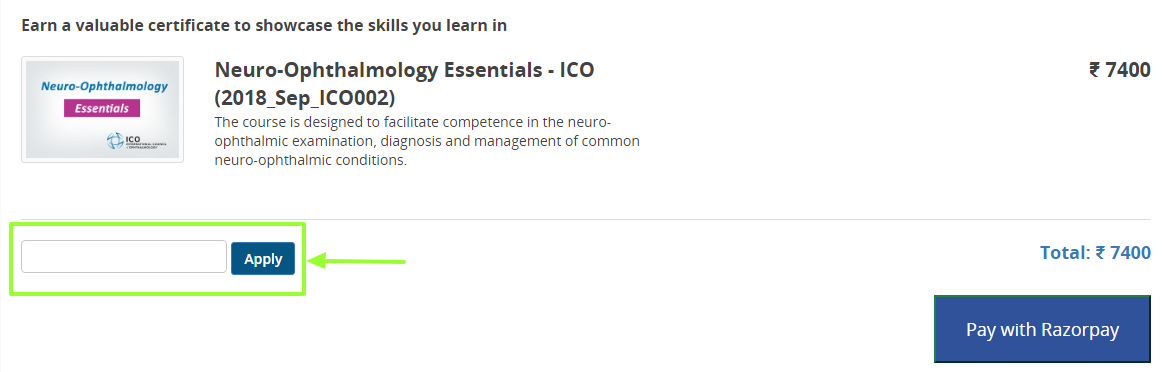 Select this to open the code field. Once successfully entered you will see the updated price and can select Pay with Razorpay, to complete the transaction.
Comments
0 comments
Please sign in to leave a comment.