
To change or view your DocMode account details, make sure you are signed in, then click the arrow next to your username in the top corner and choose Account Settings.
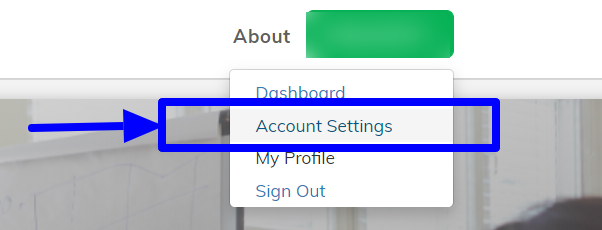
In your DocMode account settings you can update:
- The country or region where you live
- Your local time zone
- The social accounts linked on your profile
- Other profile information
Here is a direct link to your Account Settings.
Comments
0 comments
Please sign in to leave a comment.