
After you enroll in a course, the course is visible on your dashboard when you sign in to DocMode.org. If a course is not visible on your dashboard, select the DocMode logo in the upper left corner to view the DocMode course catalog, and then select and enroll in the course that you want.
The course start date is listed on your DocMode dashboard, along with a View Course option.
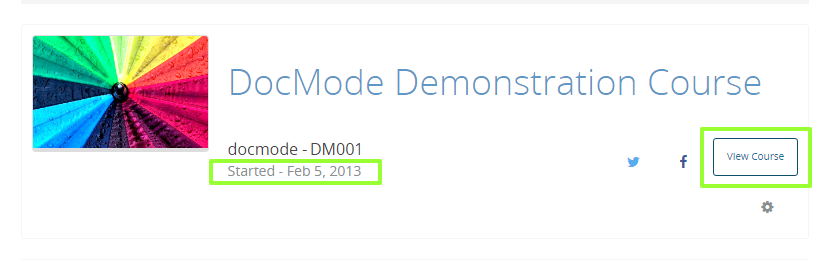
To start your course, after the course start date has passed, select View Course. Your course opens to the Course page. You may then click Start Course in the upper right or scroll down to select a section from the course outline to begin viewing the course lessons.
To get a better sense of how DocMode courses and platform work, take our DemoX course.
Enjoy your course!
Comments
0 comments
Please sign in to leave a comment.